





More applications
The registration form works in the evening too, when parents compare schools.
Parents choose a nursery in the evening, on their phone, comparing several places at once. We design websites for nurseries and schools that show the offer and admission rules straight away, so registering a child takes a few minutes.
Join the companies we design websites for


Websites for nurseries and schools
A school website has two groups of readers. Parents who are still choosing want to know the offer, the staff and how admissions work. Parents whose child already attends look for the menu or a notice about the next meeting. A good website serves both groups and takes pressure off the school office.
We start with the questions parents ask on the phone. They want to know what a day in the group looks like, how many children are in a class, which extra activities are available and when registration opens. Each answer gets a fixed place on the website, and the registration form guides parents step by step. For private nurseries and schools the website is often the main source of new enrolments, so contact details and the registration button are visible on every page, including on mobile. We follow the same order, user path first and design second, in all our website design work.
The second part of the website serves parents whose children already attend. The school office adds news, menus and trip galleries in the admin panel, without a developer. Children's photos are personal data, so we plan the gallery around parental consent and can password-protect it if needed. In Poland, public schools and nurseries also have obligations under the Digital Accessibility Act. We design to WCAG and leave room for an accessibility statement and a link to the Public Information Bulletin (BIP).
Scope of the service
Structure
School offer and admission information
Registration
Online child registration form
For parents
News, menus and a gallery in the admin panel
Beyond the basic scope
Electronic class registers and municipal admission systems
Who it is for
Every school has different parents and different obligations. A private nursery competes for enrolments for the next year, while a public school has to take care of digital accessibility. We match the scope of the website to the type of school.

Parents compare several nurseries nearby. The website shows a day in the group and extra activities, and the registration form is close at hand on every page.

Parents of young children ask first about care and safety. We describe the staff and how settling in works before the first phone call.

A private school competes on its programme and atmosphere. The website tells the story of the school and its teachers, and every page leads parents to an open day or a meeting with the head.

Here digital accessibility and clear information matter most. The website is built to WCAG, with an accessibility statement and a link to BIP, and the office publishes notices on its own.

Enrolment runs all year, and courses have different levels and dates. We arrange the offer so students or parents quickly find the right group and sign up online.

Each branch gets its own page with its address and staff. The whole website shares one look and one registration form, so parents don't get lost between locations.
What you gain
A well-organised website answers parents at any time of day. The school office takes fewer calls, and applications for the new school year arrive in one place.
The registration form works in the evening too, when parents compare schools.
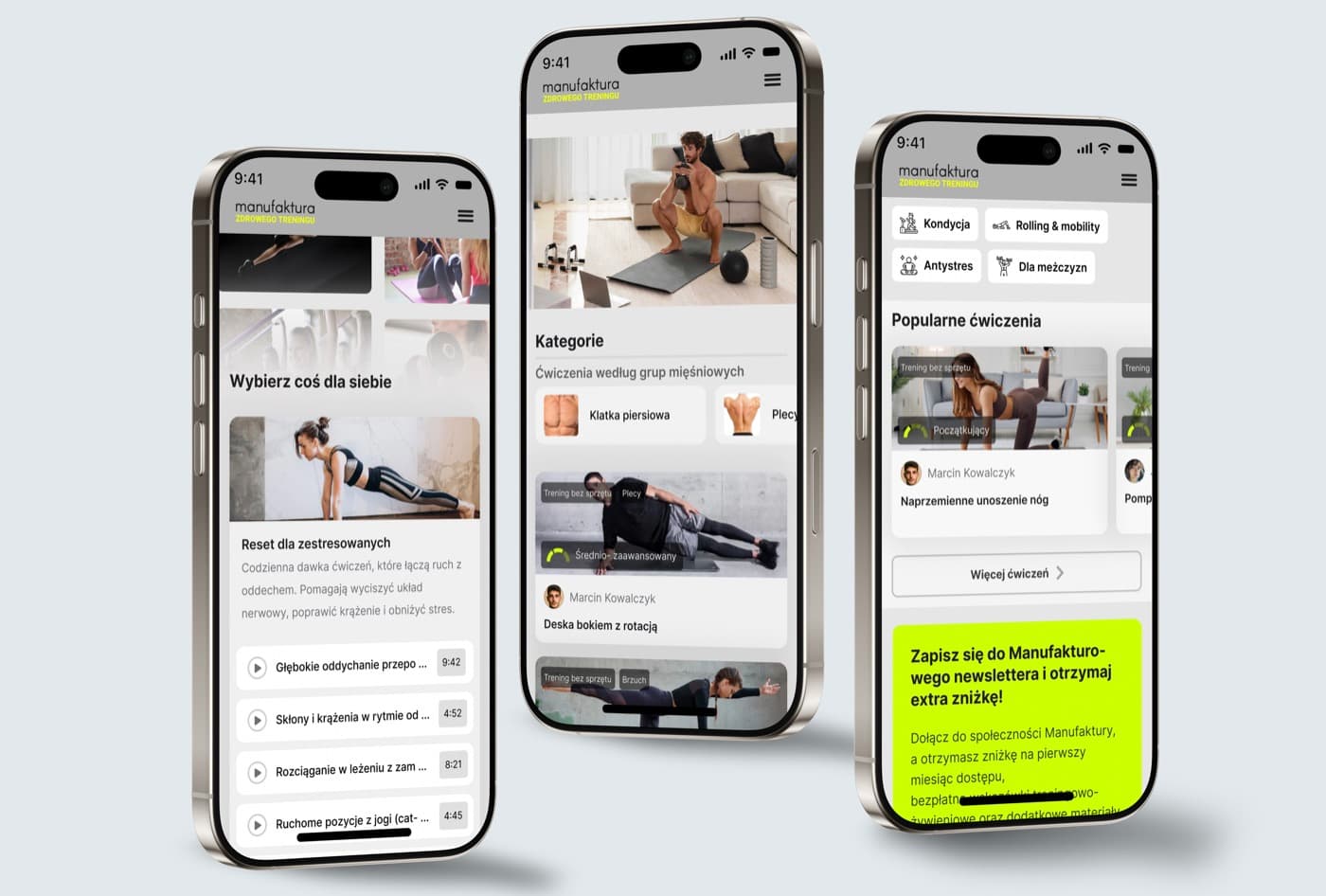
Parents find the menu and notices themselves, without calling the school.
Children's photos are published in line with parental consent, and the gallery can be password-protected.
Readable text and keyboard navigation in line with WCAG, especially important for public schools.
Add a notice or photos from a school trip in the admin panel in minutes, without a developer.
Your school owns the code and design files and can develop the website with any team.
How we work
The school year has its own rhythm, and most visits happen before admissions open. We plan the launch so the new website is ready before registration starts.
Website review and a talk with the office
We review your current website and those of schools nearby. We check how many steps separate parents from registration and how the website works on a phone. We also ask the office what parents call about most often.

Admissions and information for parents
Together with the head we plan the list of pages and content. We plan separately for parents who are still choosing a school and for those whose children already attend.
A warm look and readable text
You approve the wireframes first, then the visual design in your school's colours. Large text and WCAG-compliant contrast help every parent, including those reading on an older phone.

Admin panel and forms
We launch the website with an admin panel and a registration form. We move content from the old website and set up redirects, so a parent with a saved link won't land on an error page.
A new school year
Groups and registration dates change every year. We show the office staff how to run the website, and for bigger changes, such as a new branch, we help extend it.
FAQ
This is how we answer heads and owners of schools who ask us about a new website.